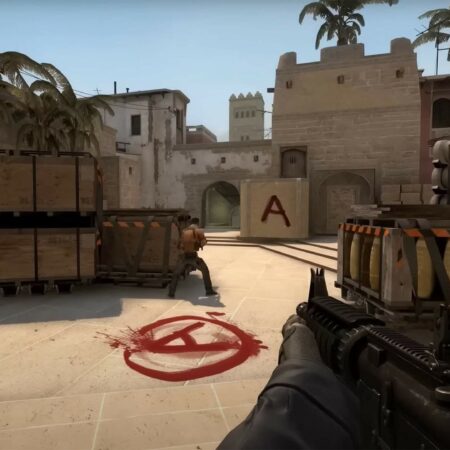
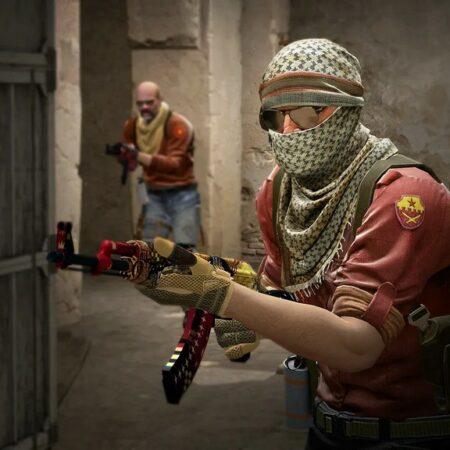
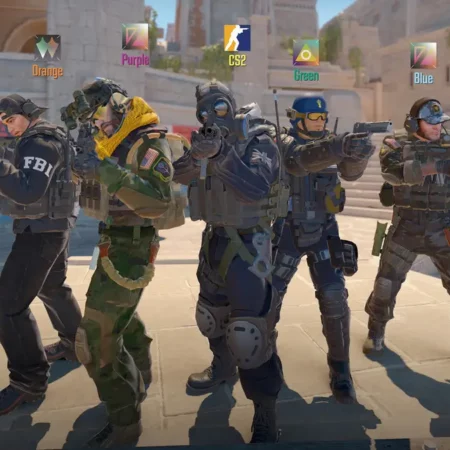
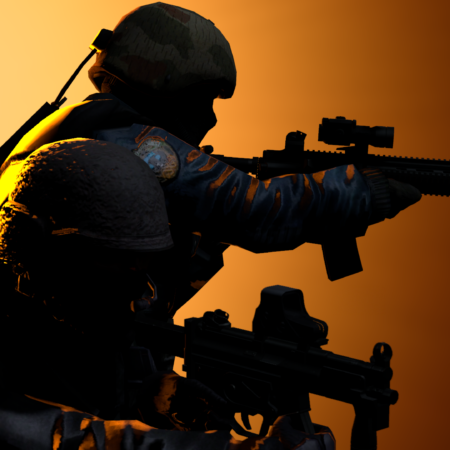
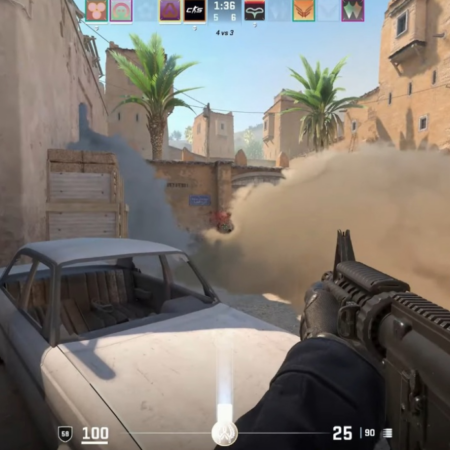
Frag eXecutors CS GUI v3.0 by X9NOPHNS

Uploaded 1 Year before
Rating 3.7 (101 Votes)
Downloads 10348
Views 3573
Size 23.13 Mb
Click on the image to zoom
============================================
= Author: x9nophNS
= Contact: info@x9design.pl
= Visit: http://fxgui.x9design.pl
============================================

I. FONTS
------------------------------------------

Install the fonts in your system from directory ".fonts".
To do this, follow these steps:

1. Start Menu > Run ; write fonts and tap the ENTER.
2. In the top menu select: File> Install New Font.
3. At the bottom in opened window, go to the location of the directory '.fonts', by double-clicking on its name, then above you should be see the list of fonts that are in directory that you are choose.
4. Click 'Select All'and then confirm the installation clicking the 'OK'.

II. FX.GUI INSTALLATION
------------------------------------------

Copy content of directory that names as resolution you use and paste to folder with the Counter-Strike. (ex.: 'C:/Program Files/Steam/steamapps/[yourlogin]/counter-strike').

III. CHANGES
------------------------------------------

v3.0

+ added 1280x800 resolution
+ new loading and game menu background
+ sponsors logos are upadted
+ change design of connect server dialog
+ change main font of menu and game windows
+ registry files added (mousefix, accelerations etc.)
+ new commandmenu (source: minisunde SK GUI commandmenu)
+ new look of vgui menus (source: minisunde SK GUI commandmenu)
+ options window appearance changed
+ added sound in game menu (The Lively Ones - Surf Rider)
+ local motd changed

v2.0

+ new resolutions added
+ added new loading board and menu background
+ change FX icon, demoplayer icons, spectator square logo to sponsors top banner
+ added banners to connect/loading dialog
+ change scoreboard/spectator fonts

v1.1

+ added LOADING board
+ added FX icon
+ modified appearance in spectator mode, added a FX picture in the upper left corner
+ changed the font (Font Engine) from the Verdana to Tahoma

v1.0

- first version of GUI


P.S. Sorry for my weak english. :-)

02. gamewindows.jpg 03. loadingmap.jpg 04. commandmenu.jpg 05. scoreboard.jpg 06. spectator.jpg
(:(:

nice GUI

[K]1LL3R fr0m NT 8 Months before
Login to comment