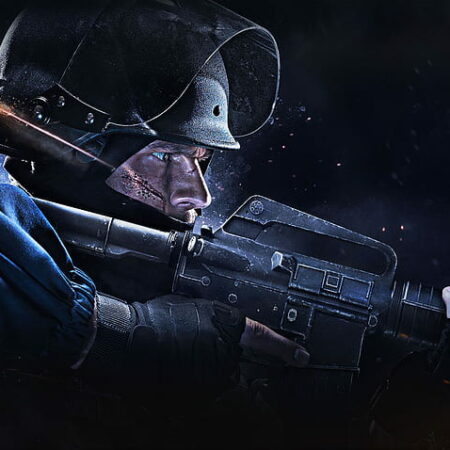
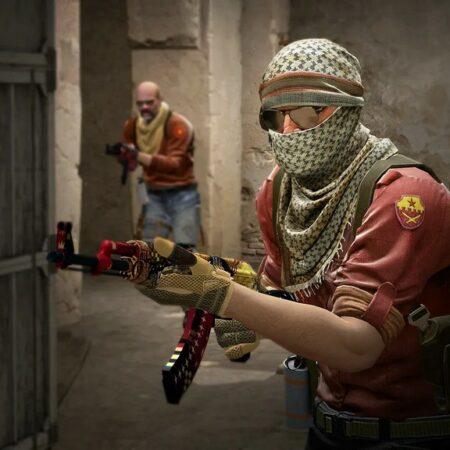
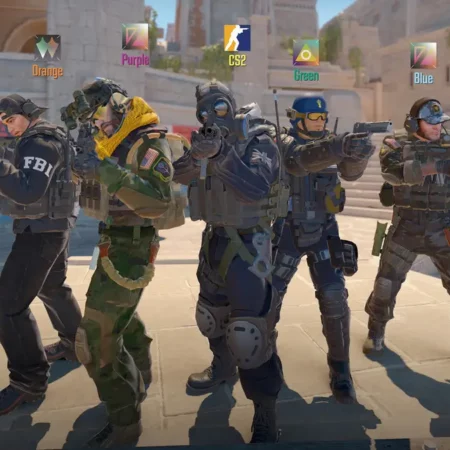
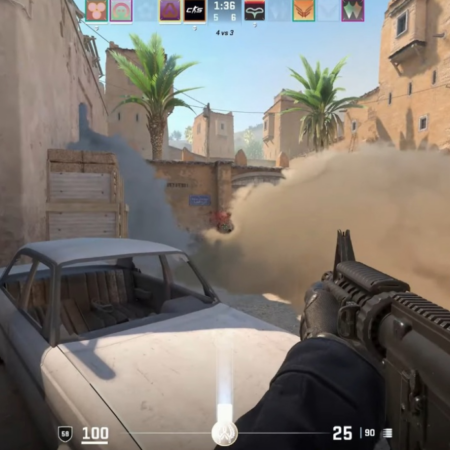
Click on the image to zoom
=========================================================
GUI
=========================================================
resolution: 640x480 , 800x600 and 1024x768
+ dvnch background
+ loading and download dialog
+ command menu
+ improved options (guns,screens,script,..)
+ english translantion
+ Segoe fonts
+ originál CS1.6 manual
+ no-solid scoreboard
+ blue, grey, green, white UI
+ client config
* changed VAC icon
* changed STEAM icon
=========================================================
ABOUT ME
=========================================================
Hi,
My name is James "br3ckl" Breckl. I come from a small village that lies near Sumperk, that is located in the Olomouc region.
I likes ports games such as Ludo!, Chess and gomoku. I play football and for football club FK SAN-JV Sumperk.
=========================================================
PROFILES
=========================================================
STEAM PROFILE: http://steamcommunity.com/id/mrbateri
ESL: http://www.esl.eu/sk/player/5669261
PLAYzone: http://www.playzone.cz/uzivatel/kez0wow
=========================================================
INSTALATION
=========================================================
Fonts - C: / WINDOWS / Fotns
-------------------------------------------------- --------------------------
If you already have a GUI installed, it would be better to delete the folder counter-strike
(steam / steamapps / nick / counter-strike)
Remove the language components
(steam / steamapps / nick / counter-strike / cstrike_czech)
INSTRUCTIONS:
1st expand it. .zip file
2nd open 1024x768, 800x600 or 640x480
3rd files (cstrike, valve, registries, platforms) copy the folder counter-strike
default: C: / Program Files / Steam / Steamapps / nick / counter-strike
4th start the game Counter-Strike 1.6
// happy playing
No Comments yet. Be the first to post one!