

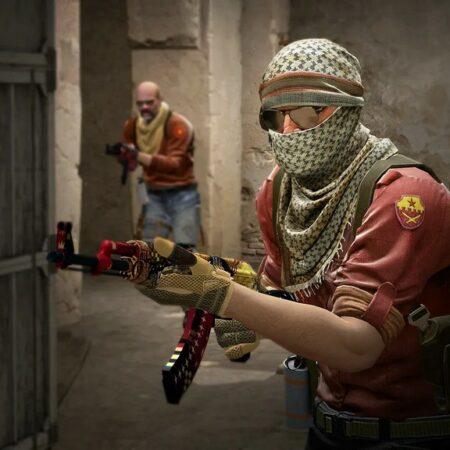
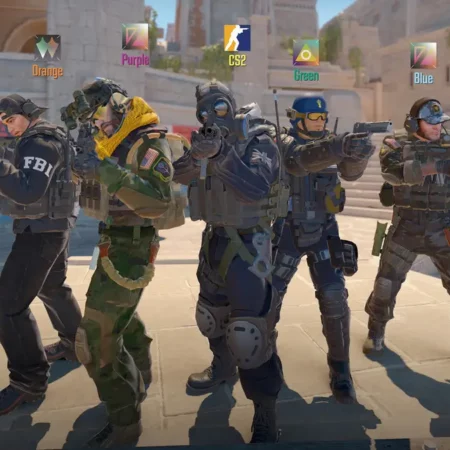
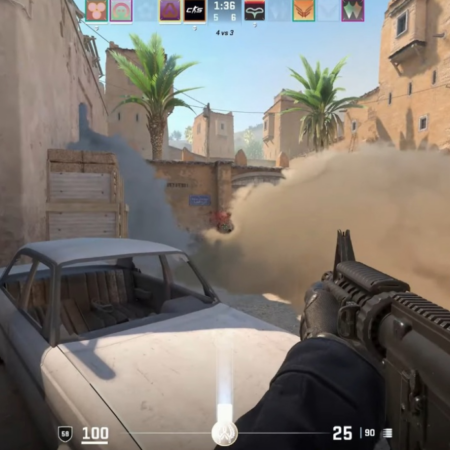

Click on the image to zoom
* GUI File list and updated parts:
- Improvements: Compatible with 4 resolutions: 640x480, 800x600, 1024x786 & 1280x1024 (On others not tested!)
- Improvements: in all panels of options menu
- Improvements: in ingame VGUI menus (motd, team choose, buy menu)
- Improvements: in commandmenu.txt
- Improvements: in settings.scr & user.scr
- Improvements: inside the valve.rc file
- Improvements: in Options -> Keyboard (New binds)
- Improvements: Gameui, valve and cstrike.txt files
- Improvements: Game menu.res file improvements
- Added: Music in the menu (RTPN - Aftershock)
- Added: Sprays: 1 new Inuria.bmp
- Added: Custom scoreboard
- Added: Custom spectatorbar (Tibbse spectatorbar)
- Added: Custom loading menu
- Added: userconfig
- Added: esl configs (14) password cfgs (6) and more. (part of commandmenu)
- Added: crosshair color configs. (5)
- Added: chat console color configs. (10)
- Added: rcon and non-rcon server settings
- Added: registry entries
- Added: new game menu (ui) sounds.
- Added: new botprofile
- Added: 4 .ico files (2 for counter-strike & 2 for half life)
- Added: Demoplayer buttons (white)
- Added: Default CS 1.6 GUI for uninstallation if you dont want to use Inuria GUI 2012
- Locked: 32bit and OpenGL settings (to make it harder for 16bit and d3d users) // if you have opengl problems use the registry files!
- Locked: EAX and a3d support at options>audio settings
- Misc: Wallpapers (5 different sizes)
- Misc: Screenshots (20 screenshots)
* Included registry files:
-32bit.reg Sets the colordeapth to 32bit
-mousenoforce.reg Disables the mouse acceleration in the launch options
-steamratefix.reg Sets 'rate' to 25000
-xpmousefix1.reg Disables Windows XP mouse acceleration
-xpmousefix0.reg Sets the default settings for Windows XP mouse acceleration
-opengl.reg Sets OpenGL as the renderer
-direct3d.reg Sets Direct3D as the renderer
-640x480.reg Sets the resolution to 640x480
-800x600.reg Sets the resolution to 800x600
-1024x768.reg Sets the resolution to 1024x768
-1280x1024.reg Sets the resolution to 1280x1024
No Comments yet. Be the first to post one!