

GUI CONTENTS
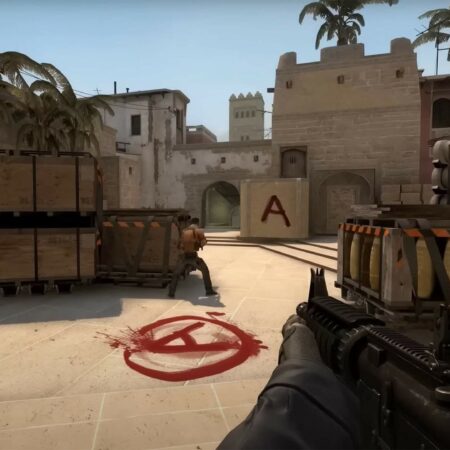
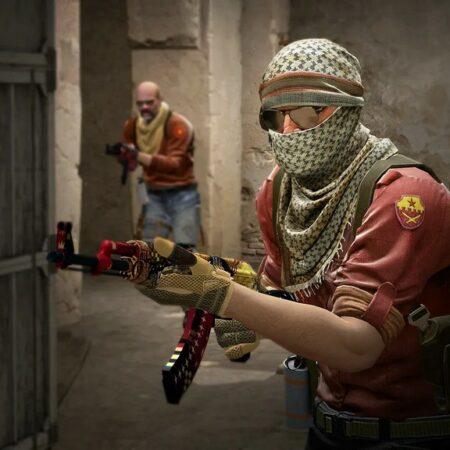
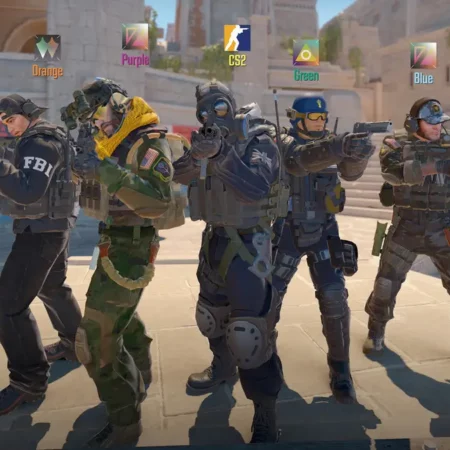
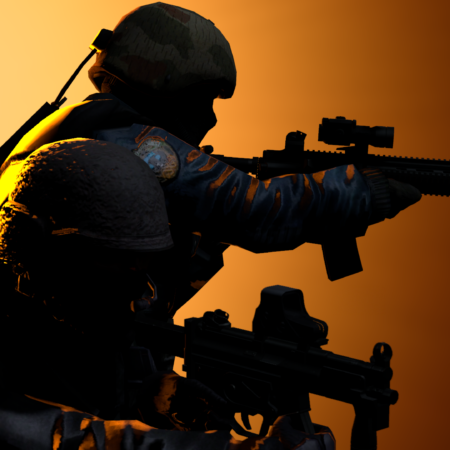
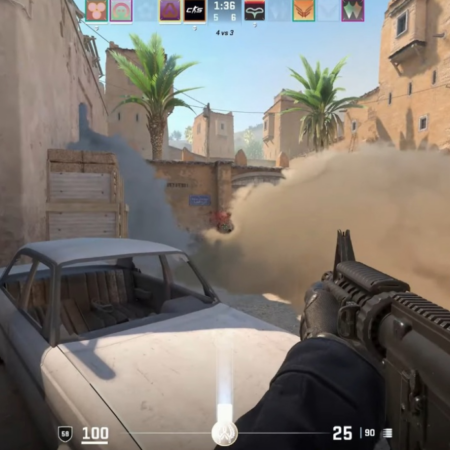
- background pictures for CS
- updated menu items
- updated graphics section in settings menu
- original CZERO vgui pictures
- updated config items in "Keyboard" section
- updated config items in "Mulitplayer > Advanced" section
- new colorific UI
- original Counter-Strike 1.6 manual
- new commandmenu - press button "H"
- new ScoreBoard + updated colours in some menus
- many of new spray logos
VERSION HISTORY
- v1.1
- fixed error in status SS
INSTALLATION
1. Unpack ZIP archive.
2. Copy all unpacked files to CS 1.6 folder and overwrite everything with that (default folder c:Program FilesValve).
In case of having STEAM just copy all files into SteamApps<nick>counter-strike folder.
3. Run and enjoy.
STATEMENT
--------------------------------------------------------------------------------
Main advantage of this GUI is not graphics but commandmenu and settings options.
--------------------------------------------------------------------------------
WARNING
-------------------------------------------------------------------------------------
Editing and publishing of any part of this GUI is not allowed. I know my files.
So please DO NOT edit this GUI. It is not copyryghted but I hope you will respect me.
If you find some bug inform me via email.
-------------------------------------------------------------------------------------
Uploaded by: Martin Rotter
Homepage: www.csko-16.ic.cz
csmaniac, gui, skunk, counter strike
- background pictures for CS
- updated menu items
- updated graphics section in settings menu
- original CZERO vgui pictures
- updated config items in "Keyboard" section
- updated config items in "Mulitplayer > Advanced" section
- new colorific UI
- original Counter-Strike 1.6 manual
- new commandmenu - press button "H"
- new ScoreBoard + updated colours in some menus
- many of new spray logos
VERSION HISTORY
- v1.1
- fixed error in status SS
INSTALLATION
1. Unpack ZIP archive.
2. Copy all unpacked files to CS 1.6 folder and overwrite everything with that (default folder c:Program FilesValve).
In case of having STEAM just copy all files into SteamApps<nick>counter-strike folder.
3. Run and enjoy.
STATEMENT
--------------------------------------------------------------------------------
Main advantage of this GUI is not graphics but commandmenu and settings options.
--------------------------------------------------------------------------------
WARNING
-------------------------------------------------------------------------------------
Editing and publishing of any part of this GUI is not allowed. I know my files.
So please DO NOT edit this GUI. It is not copyryghted but I hope you will respect me.
If you find some bug inform me via email.
-------------------------------------------------------------------------------------
Uploaded by: Martin Rotter
Homepage: www.csko-16.ic.cz
csmaniac, gui, skunk, counter strike
| Uploaded | 2 Years before |
|---|---|
| Rating | 3.6 (16Votes) |
| Downloads | 784 |
| Views | 1254 |
| Size | 2.8 Mb |
| Uploader | Anonymous |


No Comments yet. Be the first to post one!